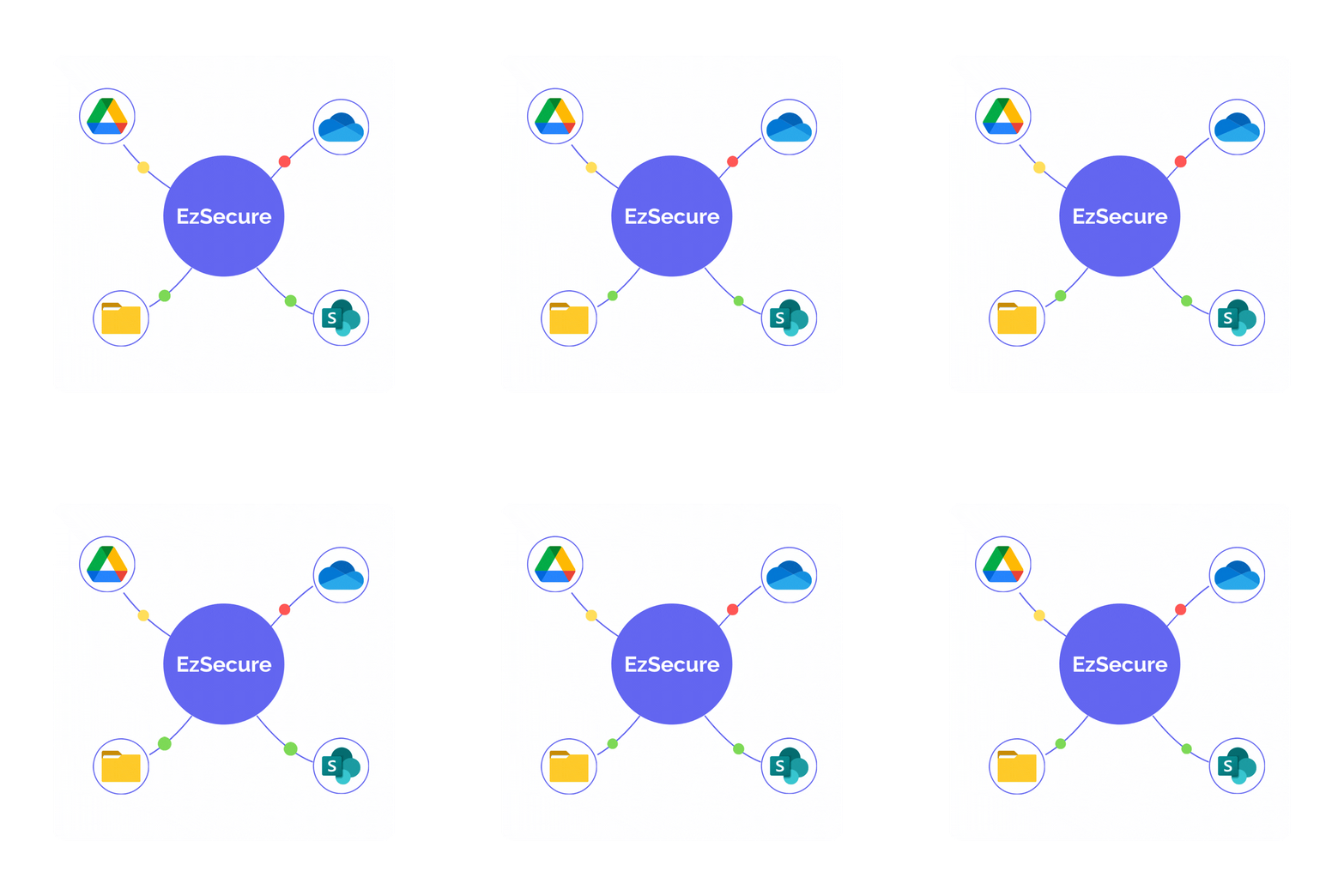
Discover Sensitive Data Across Every Connected Platform
Sensitive information doesn't stay in one place. EzSecure helps you uncover important data across Google Drive, Microsoft OneDrive, SharePoint, Windows File Server giving your team a clear view of where it exists without disrupting daily operations.
The reality of modern business data
A single contract can start in an inbox, get saved to a Windows File Server, get shared through SharePoint for review. all before anyone thinks to ask where the sensitive clauses inside it actually live.
Every team adds its own storage habits. Sales lives in Google Drive. Finance leans on OneDrive. IT still runs legacy file shares nobody has fully retired. None of this is reckless, it's just how modern businesses work.
The result is the same almost everywhere: sensitive information, customer records, financial data, employee files, scattered across platforms with no single view of where it all sits.
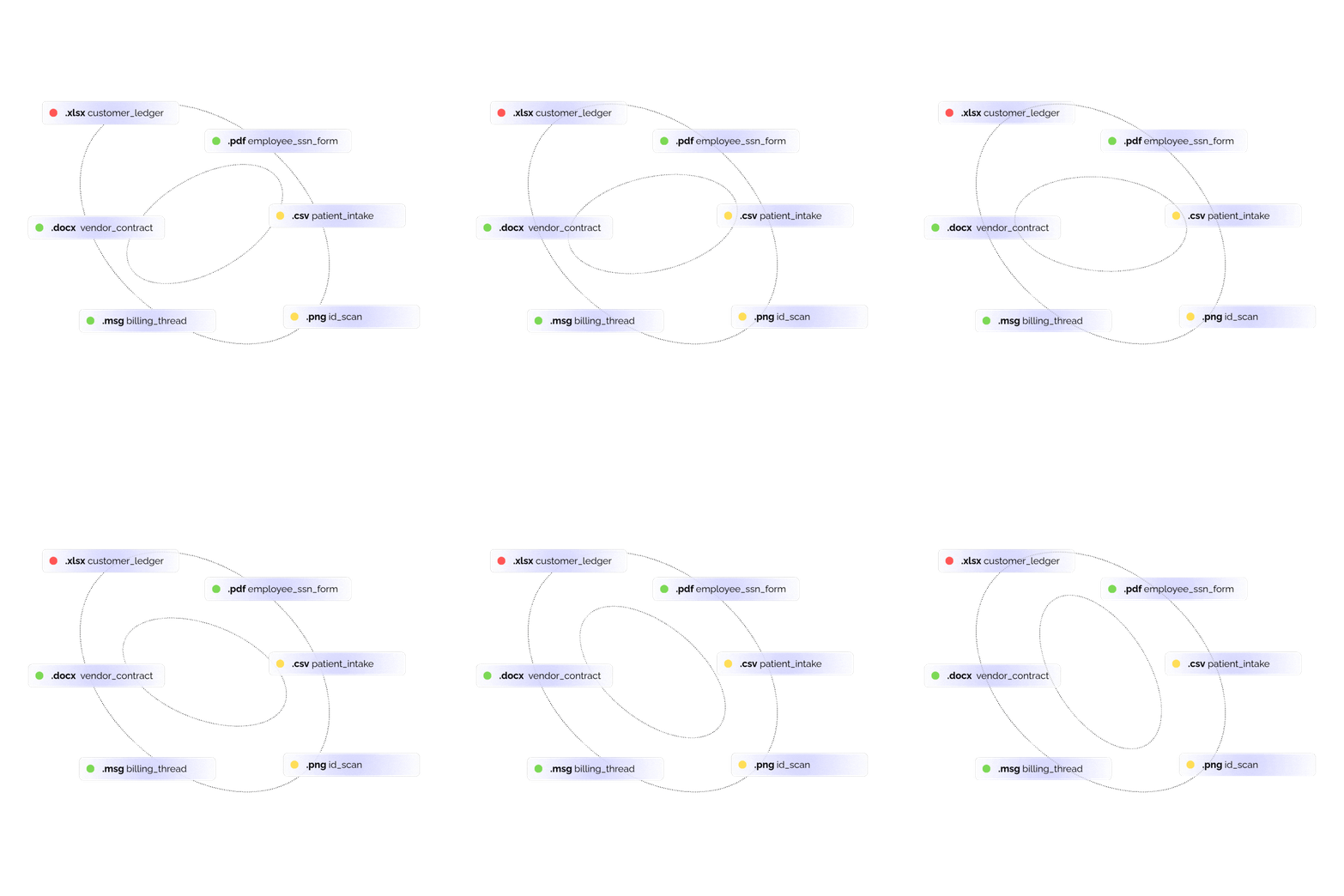
Where EzSecure discovers sensitive data
SharePoint
SharePoint often holds HR records, contracts, project files, and years of archived documents. Scanning SharePoint sites and document libraries helps identify personal data, customer information, and other sensitive content that may be sitting across older and active files.
Windows File Server
Older file shares often contain finance records, scanned documents, employee files, and forgotten archives. Windows File Server environments can be scanned to find sensitive information in on-premises storage and bring those files into the same data discovery process.
The discovery journey
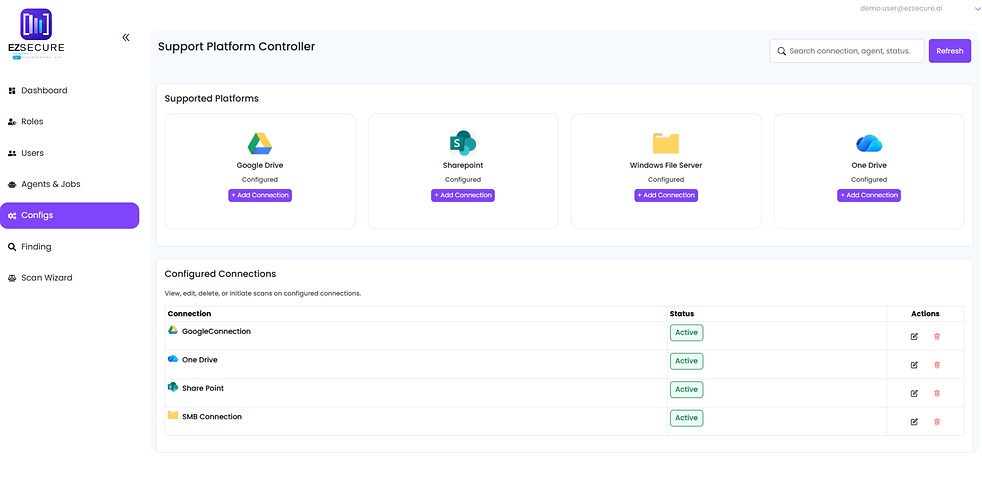
1. Connect
Integrate your platforms in just a few clicks.
2. Scan
Let EzSecure automatically detect sensitive data across all sources.
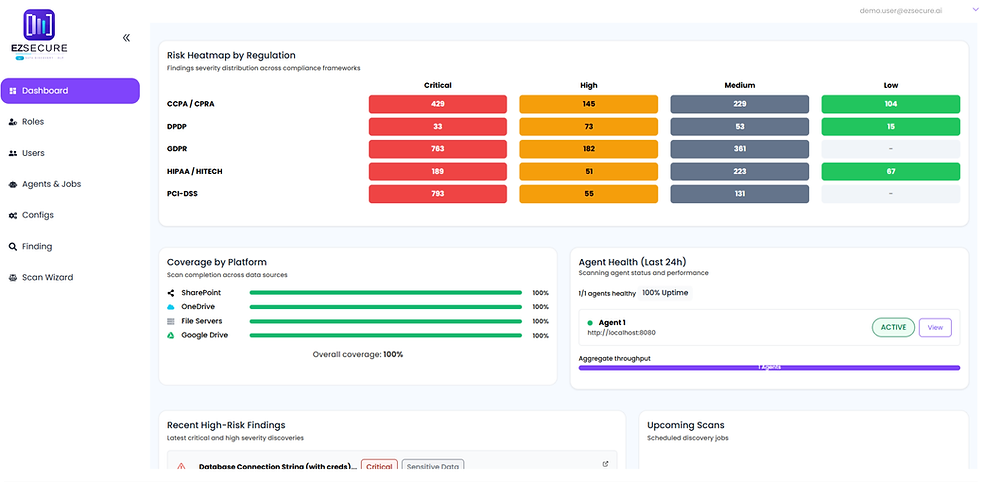
3. Secure
View, manage, and protect exposed information instantly.
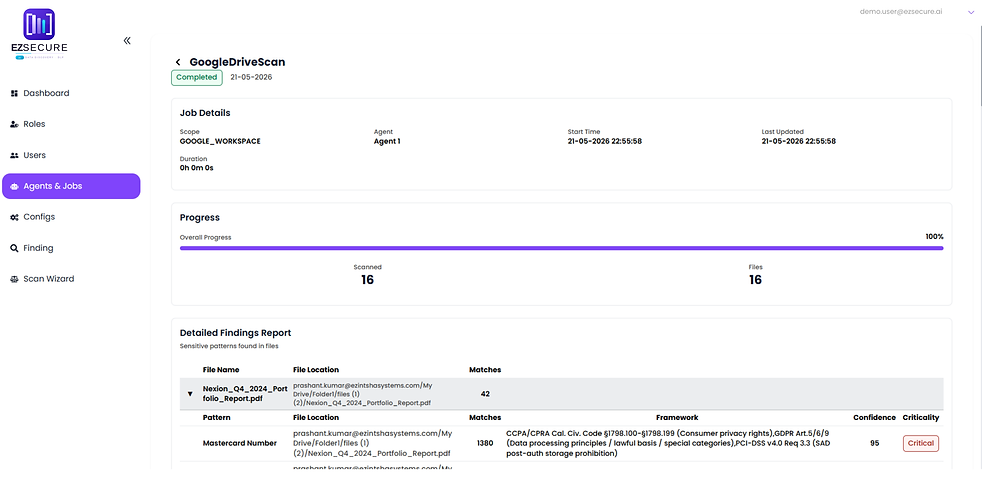
What EzSecure can discover
Personal Information
Names, addresses, identifiers
Employee Records
HR files and personnel data
Customer Information
Profiles and account details
Tax Information
Filings and tax ID numbers
Financial Data
Account and transaction records
Contracts
Agreements and signed documents
Payment Data
Card and payment-related fields
Phone Numbers
Contact numbers within files
Healthcare Information
Patient and medical records
Business Documents
Internal reports and plans
Government IDs
Passport and license numbers
Emails
Addresses found within content
Latest Blogs


